If you’ve ever found yourself frantically deleting photos to make room for that next cat video, you’re not alone. Many iPhone users wonder if they can just pop in an SD card to expand their storage and keep their digital lives clutter-free. Spoiler alert: it’s not that simple.
Can I Put An SD Card In My iPhone?
Inserting an SD card into an iPhone isn’t possible. Apple designs iPhones without expandable storage options. Unlike Android devices, which often include slots for SD cards, iPhones rely on fixed internal storage. Lack of an SD card slot leads to frustration among users seeking to increase available space.
Users can still manage storage effectively through a few alternatives. Cloud storage solutions, such as iCloud or Google Drive, enable users to save photos, videos, and documents off their devices. Transferring content to a computer provides another method, allowing users to free up space on their devices.
Third-party devices, like Lightning-compatible flash drives, help in offloading data. These drives connect directly to the iPhone, enabling file transfer without needing an SD card. Some apps support file management on these external devices, expanding storage capabilities.
Purchasing an iPhone with higher storage options proves beneficial for long-term use. Current iPhone models offer various storage sizes, ranging from 64 GB to 1 TB. Choosing a model with more space accommodates users’ growing needs.
Managing data efficiently remains crucial for optimal device performance. Deleting unnecessary files, uninstalling unused apps, and regularly reviewing storage settings also aid in maintaining free space. Users should routinely check their usage to identify areas needing attention.
iPhone Storage Options
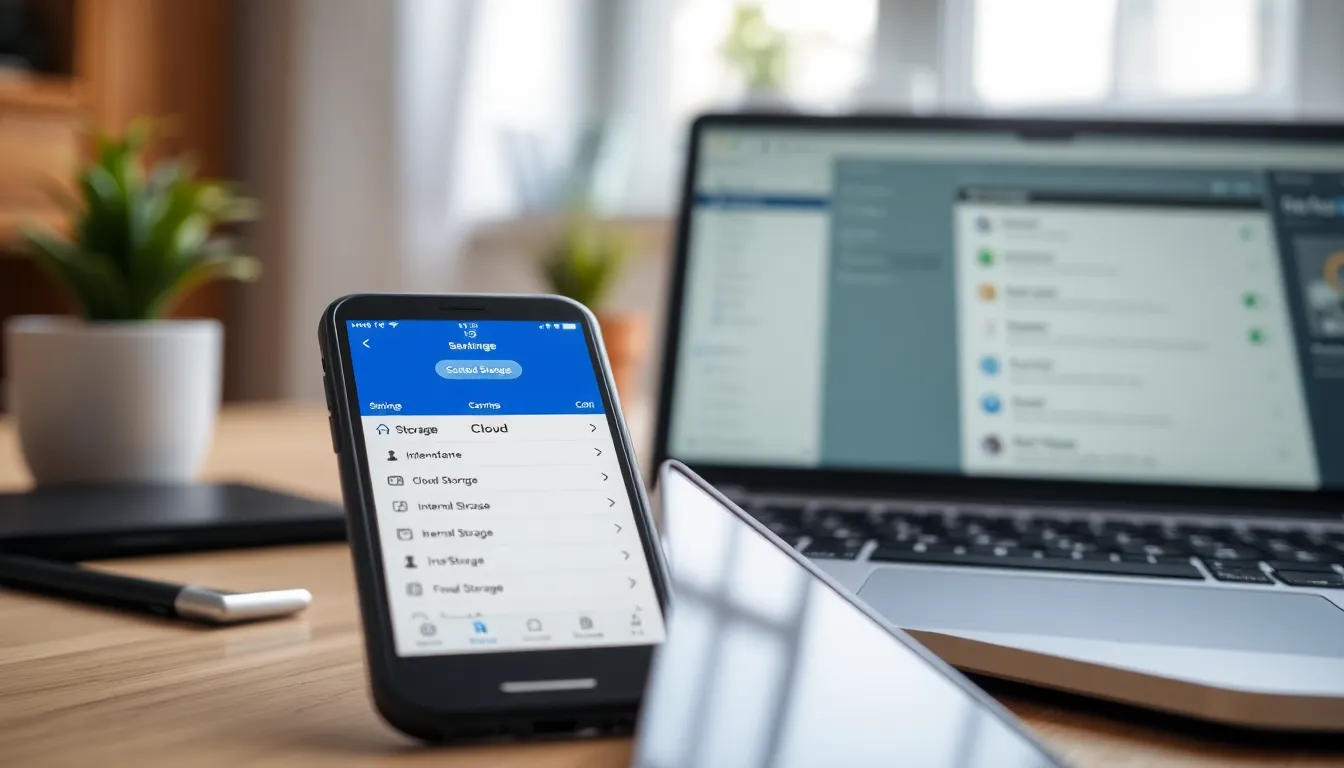
Understanding iPhone storage options provides clarity for managing space effectively. Users can choose between internal storage and cloud storage solutions to address their storage needs.
Internal Storage
iPhones come with fixed internal storage options, including sizes from 64 GB to 1 TB. Each size caters to different user needs and usage patterns. Heavier users often benefit from larger capacities to accommodate photos, videos, and apps. Upgrading to an iPhone with greater internal storage can enhance long-term usability. Regularly reviewing storage settings can identify apps or files to delete, helping to free up valuable space. Effective management of internal storage plays a crucial role in maintaining device performance.
Cloud Storage Solutions
Cloud storage options like iCloud and Google Drive offer efficient alternatives to internal storage limitations. These services enable users to store photos, videos, and documents remotely. Easy access to files from any device enhances convenience. With iCloud, seamless integration with iPhones simplifies backup procedures. On the other hand, Google Drive provides additional space at competitive prices, making it a viable option. Utilizing cloud storage reduces the burden on internal memory while ensuring files remain accessible from multiple platforms. Regular use of these solutions contributes to better overall storage management.
SD Card Compatibility
iPhones do not support SD cards. Apple designed iPhones without the capability to add external storage.
iPhone Models and Limitations
Storage capacities for iPhones range between 64 GB and 1 TB. All iPhone models feature fixed internal storage. Users often encounter issues with limited space, especially when downloading apps or saving media. Every model’s storage options require careful planning for long-term use. Regular assessments of the storage status prove essential for maintaining optimal performance.
Alternative Solutions for Expanded Storage
To address storage limitations, users can explore various alternatives. Cloud storage services like iCloud and Google Drive provide effective options for storing files online. Offloading media to a computer efficiently frees up space on the device. Lightning-compatible flash drives offer another practical solution for transferring files directly. Some applications support external device file management, further enhancing storage capabilities. These methods significantly alleviate storage constraints on iPhones.
Benefits of Using an SD Card
While using an SD card isn’t an option for iPhones, understanding its benefits offers valuable insights for users considering storage solutions.
Increased Storage Capacity
An SD card significantly increases available storage space for smartphones. Adding an SD card expands capacity easily, allowing users to store more apps, photos, and videos. Users benefit by keeping essential files on the card while freeing up internal storage for system tasks. This flexibility caters to varied needs, particularly for those who frequently capture high-resolution content. Various SD card options exist, providing different sizes to accommodate individual preferences.
Easy Data Transfer
Data transfer becomes seamless with an SD card attached to compatible devices. Users can move files effortlessly between smartphones, tablets, and computers by simply inserting the SD card into a reader. Convenience represents one of the key advantages of using an SD card. Fast data transfer speeds enhance user experience, especially for those dealing with large media files. Quick access to content ensures that users can manage their digital libraries without hassle.
While iPhones don’t support SD cards for storage expansion, there are effective alternatives to manage limited space. Utilizing cloud storage services or transferring files to a computer can help free up valuable internal memory. For those needing immediate solutions, Lightning-compatible flash drives offer a practical way to offload data.
Understanding the iPhone’s fixed storage options is crucial for optimizing performance. Regularly reviewing storage usage and investing in models with larger capacities can significantly enhance the user experience. By implementing these strategies, users can navigate storage challenges more effectively and enjoy their devices without the frustration of limited space.